
Learn about the 5 best video to audio converter tools that extract sound from video files.

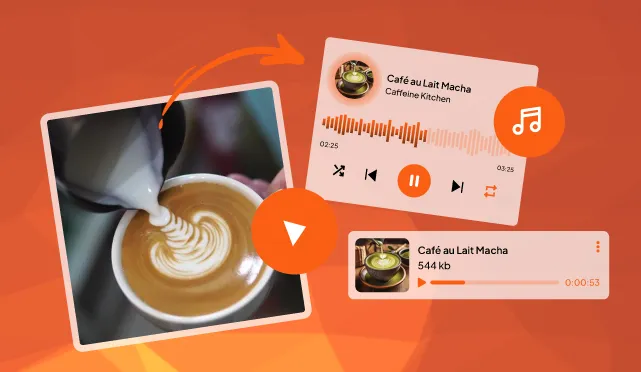
People often feel the need for a video to audio converter tool or software because videos frequently contain valuable audio content. Now getting out the sound without any visual distractions from larger file sizes is the simplest yet the most liberating thing.
People often run into headaches when trying to pull audio out of videos, like ending up with files that sound fuzzy or distorted because the tool strips away too much quality during the process, or worse, getting a file with no sound at all after waiting ages for it to finish.
These 5 audios to video converter tools can support a wide range of formats reliably, processes files quickly (even large or long ones), and even offer safe, ad-free options to protect offline privacy. Knowing them can easily let users deliver high-quality output without losing audio quality.
The best overall video to audio converter with powerful editing
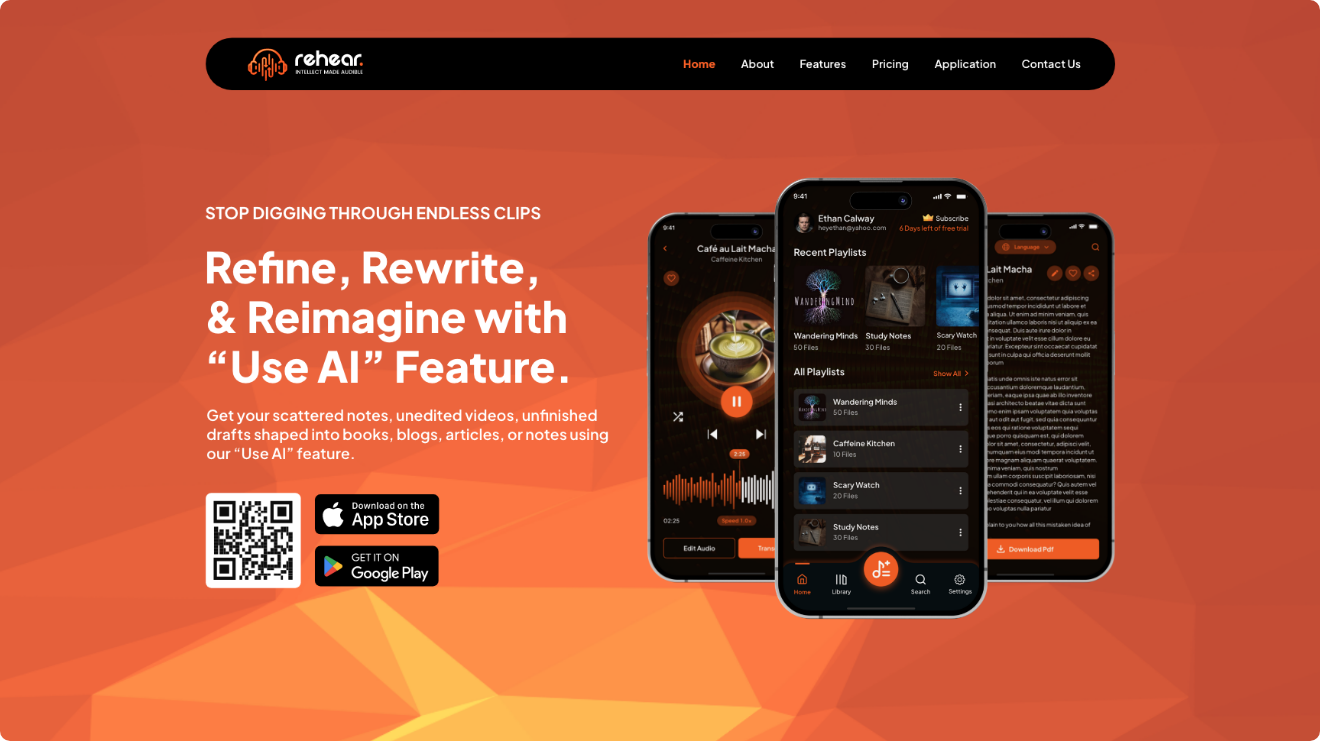
ReHear is a mobile-focused app designed to convert video into searchable clean audio playlists, audiobooks, or editable transcripts, making it easy to repurpose content for on-the-go listening or deeper insights. It works primarily as an iOS/Android app, where you upload or import videos, extract and refine the audio, add transcripts, and build organized playlists. To extract audio from a video, upload clips to a project or library, use the built-in tools to trim and edit, then export audio tracks or full playlists.
A versatile choice for converting video to audio with clean export
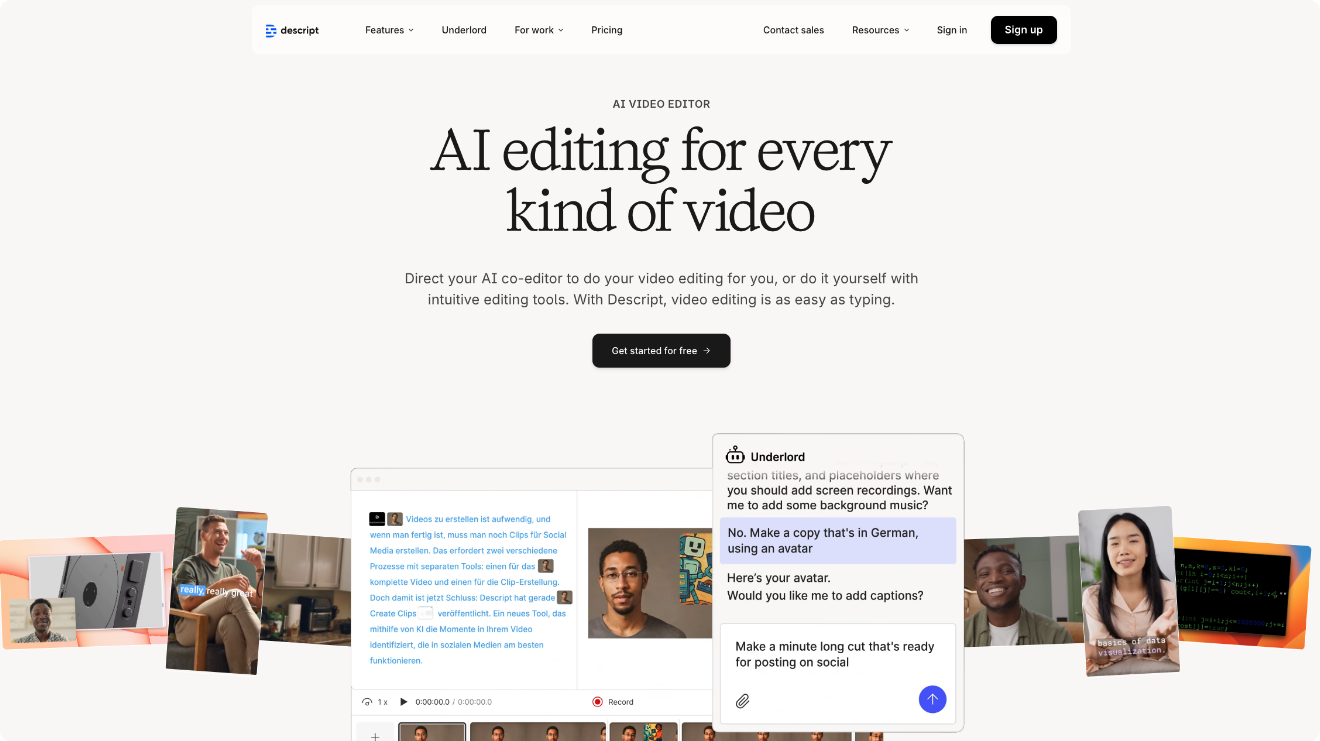
Descript stands out as a versatile all-in-one tool for audio and video editing that makes extracting sound from videos straightforward and high-quality. Available as a desktop app for Mac and Windows (with some web features), it lets you easily import video, detach or focus on the audio track, and export it cleanly.
Best free desktop video to audio converter for broad format support
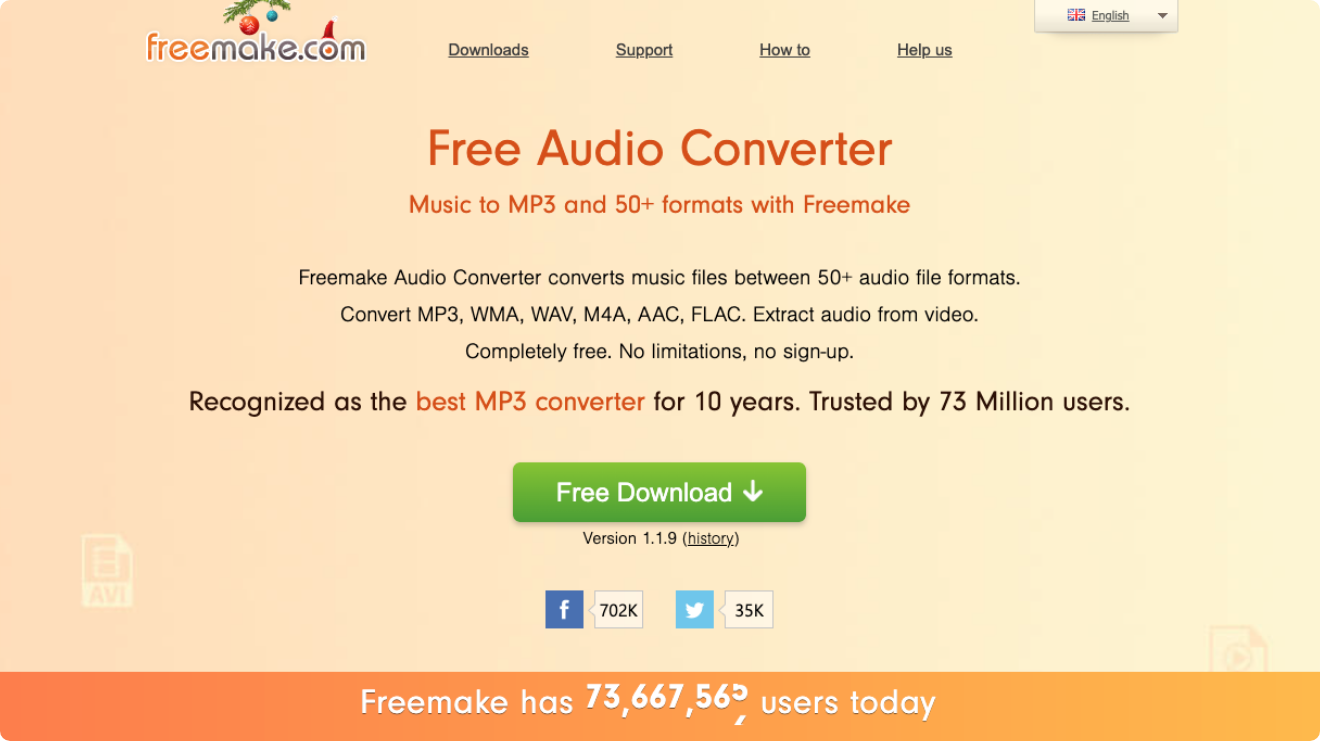
Freemake Video Converter is a user-friendly Windows-only software designed for converting videos between hundreds of formats, extracting audio tracks, ripping DVDs, and performing basic edits. It runs as a desktop app on Windows (no Mac or Linux native support), where you can drag-and-drop files or import from various sources. To extract audio from a video, simply add video file via the +Video button or drag-and-drop, select an audio format like MP3 from the bottom presets or custom options, adjust settings if needed, and hit Convert for a fast result.
Best platform for professional-grade video and audio extraction
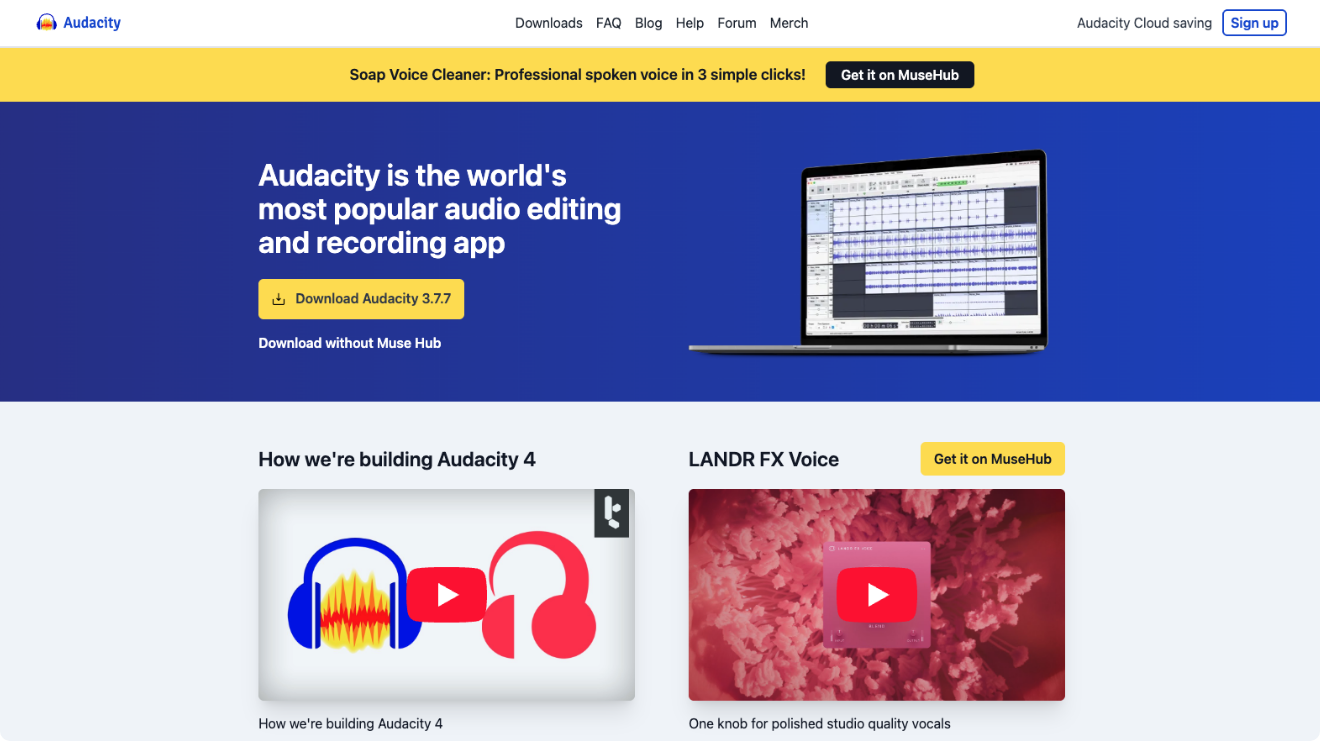
Audacity is a powerful, completely free open-source audio editor and recorder that exceeds when it comes to extracting clean audio from video files while offering deep editing tools for polishing the results. Available as a native desktop app for Windows, macOS, and Linux, lets you import video files, work on the audio waveform, and export high-quality tracks.
Exceptional video to audio converter with advanced editing and enhancement
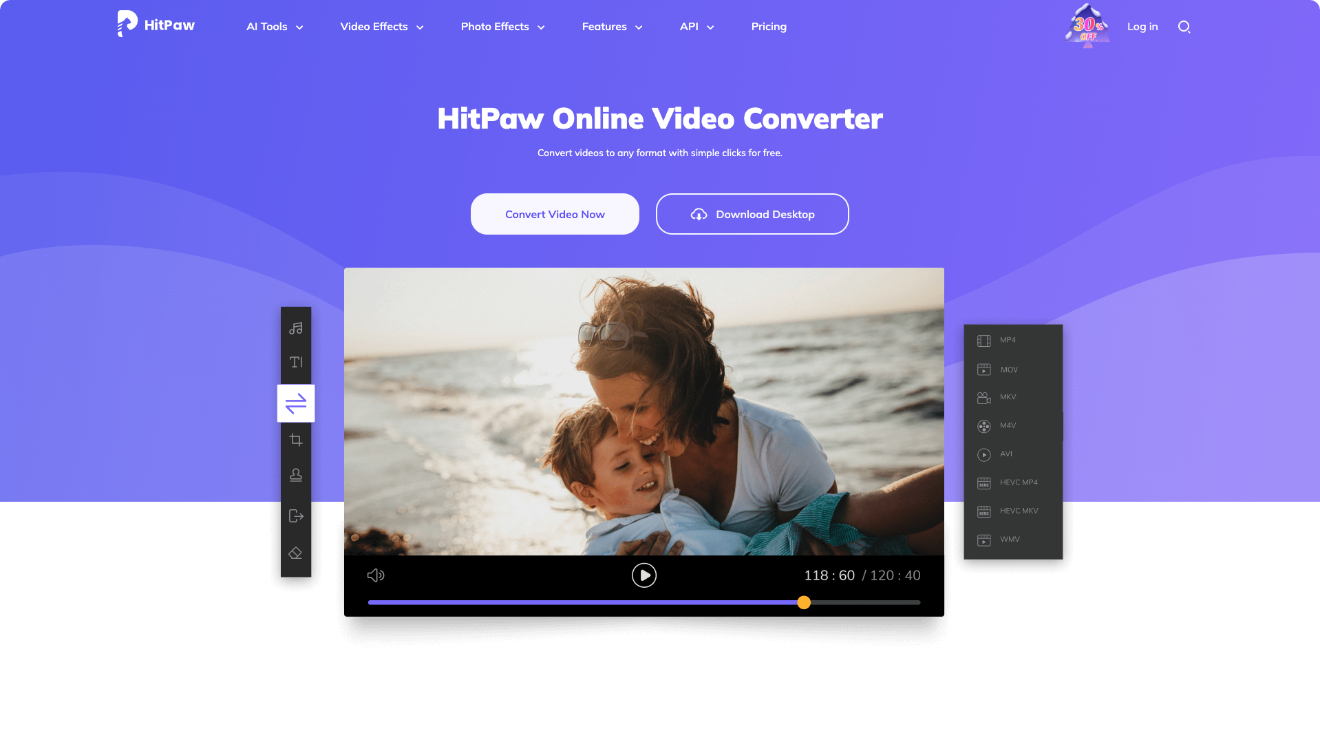
HitPaw Univd (previously known as HitPaw Video Converter) is a AI-driven desktop software for video and audio conversion, compression, enhancement, and editing, supporting over 1000 formats while emphasizing lossless quality and high-speed processing. It operates as a native app on Windows and macOS (no Linux or mobile versions). To extract audio from a video, launch the app, navigate to the Converter tab, add your video file(s) by drag-and-drop or browsing, select an audio output format like MP3 from the “Convert all to” menu, adjust settings if desired, and click Convert for quick results.
A good video to audio converter is simply one that does the job reliably. The one that pulls out clear, high-quality sound from your videos without distortion, supports the formats you actually use, works quickly even on longer files, and doesn’t complicate things with ads, watermarks, crashes, or privacy risks. If you often deal with lots of video content you want to listen to on the go, search through easily, or repurpose without hassle, giving ReHear a quick try could make handling of all those clips feel a whole lot simpler and more useful.