
Convert Video to Audio in Seconds. Pull Audio from using MP4 to MP3 Converter

Most video files hold more than just moving images. Buried inside every MP4 is an audio track that often carries the real value. As people spend less time watching screens and more time listening while doing other things, converting MP4 to MP3 has become a practical norm rather than a technical adjustment.
An MP4 to MP3 converter lets you turn long talks into something you can listen to while commuting, transforming video interviews into podcast-style audio, or saving important explanations in a format that works anywhere. Pulling out just the audio makes them lighter, easier to revisit, and simpler to use. This process does not shrink content down instead it makes it more usable in many different moments.
This read explores why this conversion happens, when it makes sense to use it, and how the right MP4 to MP3 converter can alter the entire course.
Most people don’t wake up planning to “convert formats.” They just run into friction. A video is valuable, but it’s heavy, distracting, or inconvenient. Audio removes that friction. Someone watches a live performance online and wants just that version of the song while exercising. Someone attends a webinar and realizes the insights matter more than the slides. A student records lectures but only has time to listen later. These aren’t edge cases. They’re normal situations where video is too much, and audio is exactly enough. The moment you realize you don’t need the screen anymore is the moment MP3 starts making sense.
Audio files are lighter, simpler, and more forgiving. They don’t drain batteries the same way. They don’t demand your eyes. They work when your hands are busy and your attention is split. That’s why audio has quietly become one of the most portable forms of information we have.
For personal use, this means building your own library from content you already trust. Old family videos can become voice memories. Long video essays can turn into podcast-style listening. Even casual clips gain a second life when they’re freed from visuals. The real shift happens when you stop seeing conversion as a technical step and start seeing it as a way to reshape how content fits into your routine.
When it comes to choosing the best MP4 to MP3 converters, options range from free online tools to robust desktop software, each offering varying levels of speed, quality, and features.
The are some of the best MP4 to MP3 converters that converts video into audio:
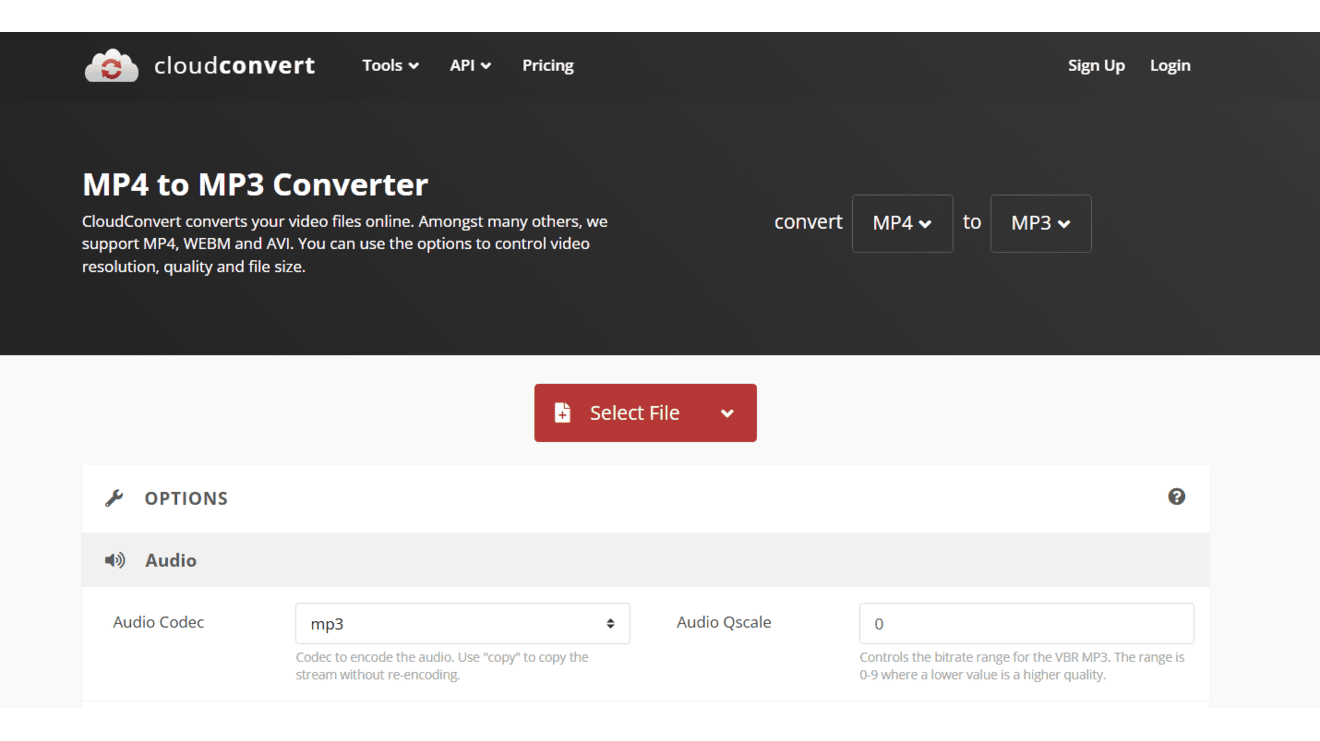
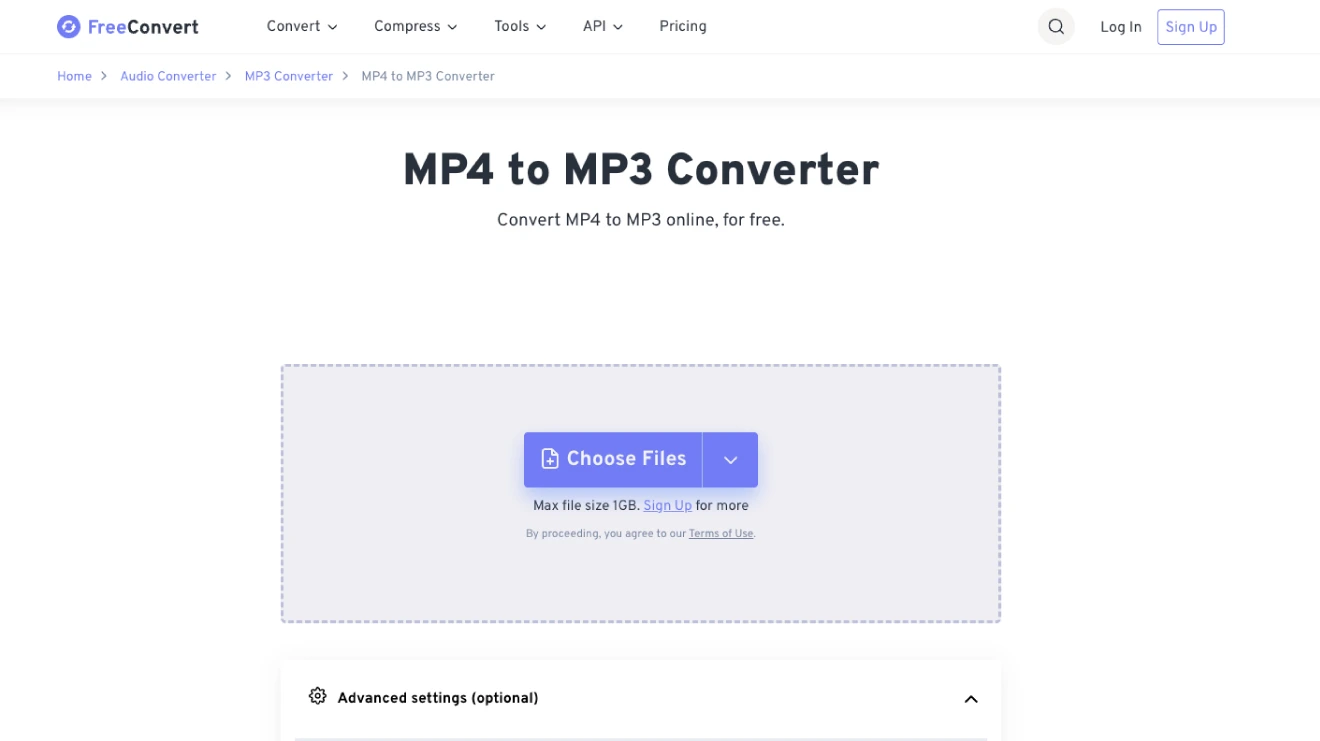
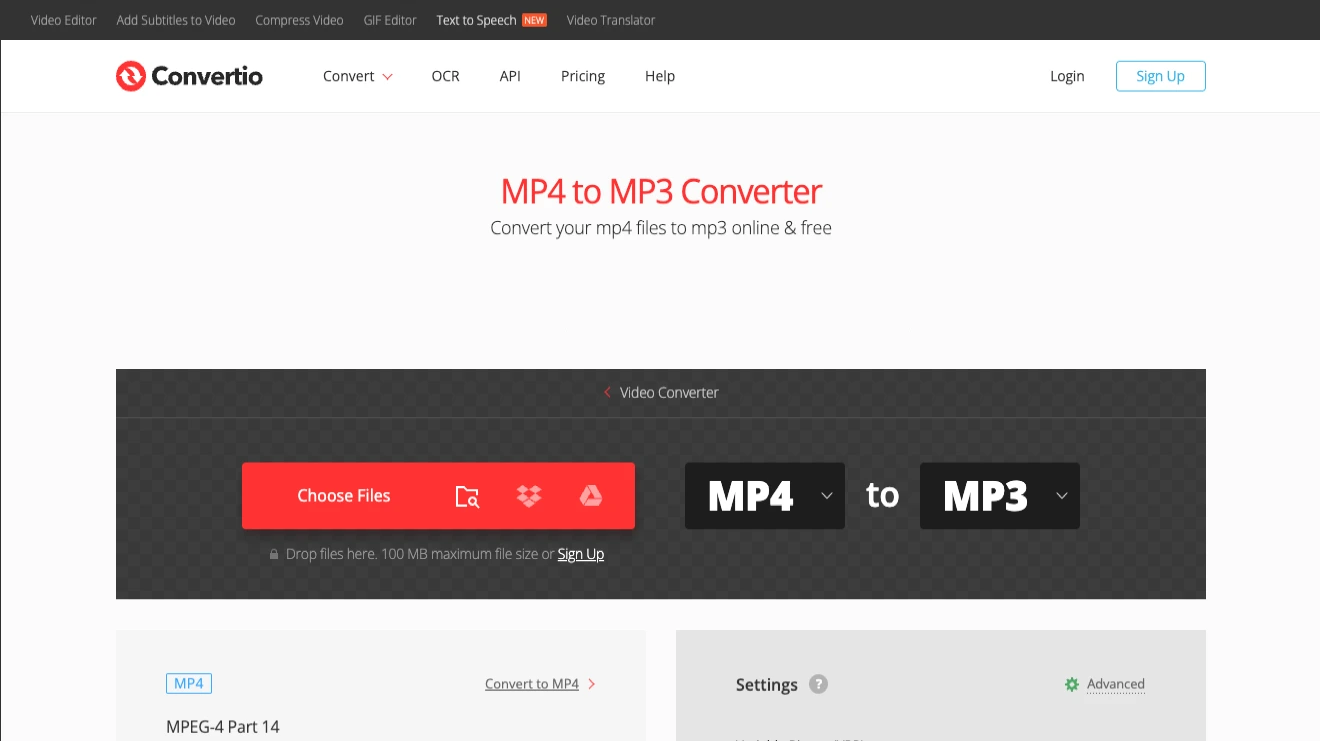
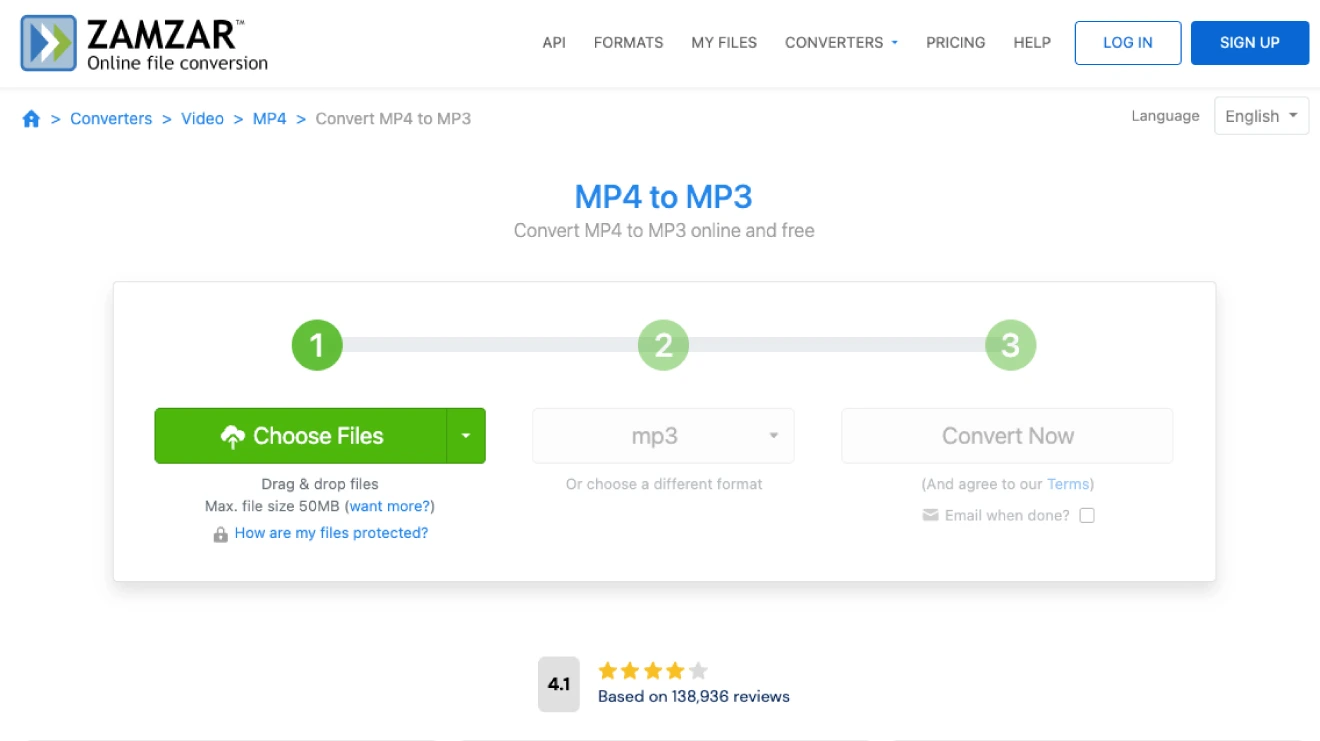
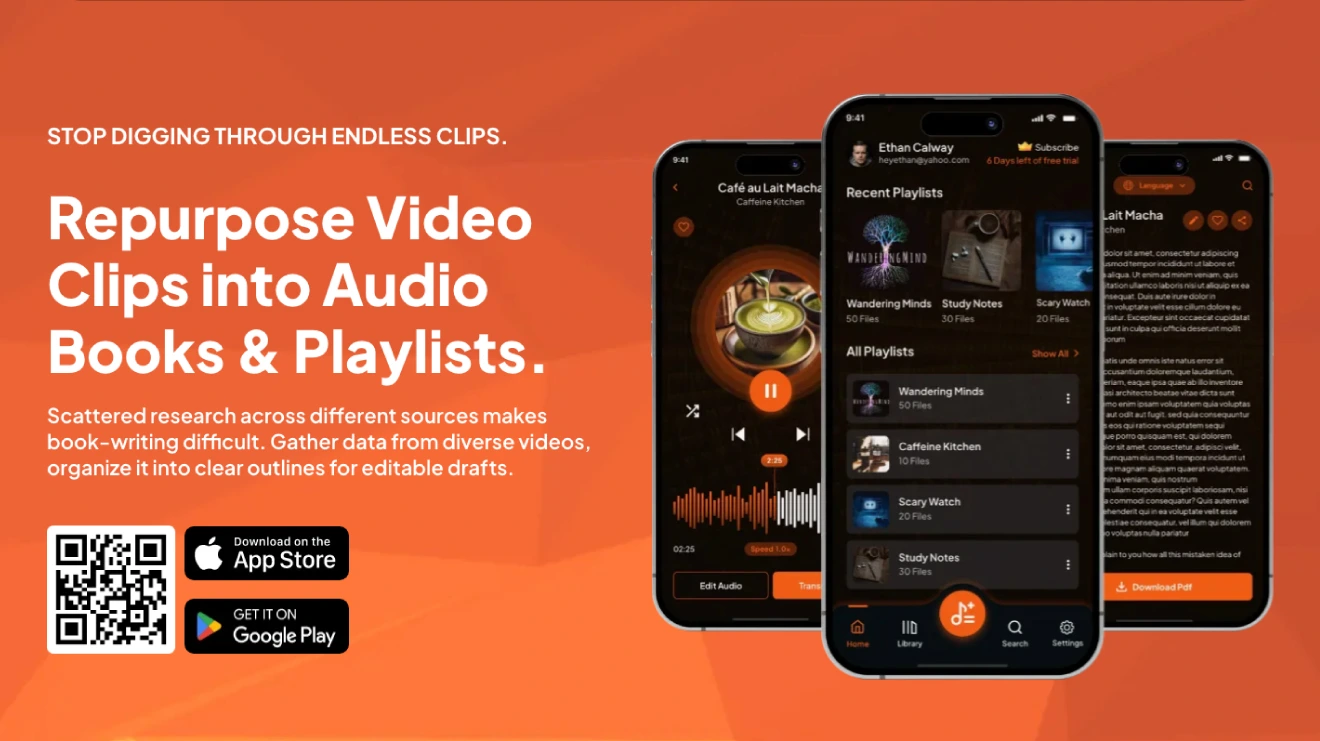
There are hundreds of MP4 to MP3 converter tools out there because the demand for pulling clean audio from videos just keeps growing year after year. People record podcasts as video for better quality, grab music from YouTube clips, turn lectures or meetings into listen-on-the-go files, or simply want smaller files for their phones without the video weight.
Once you decide to convert MP4 to MP3, the next question isn’t “how,” but “with what and that’s where most people hit a split. The desktop software looks reliable for anyone who does this often or works with bigger files. App versions let you convert offline super-fast by handling huge batches without limits, tweaking settings for perfect sound quality, and keeping everything private.
The catch is you download and install them upfront and avail addition features with both free and paid versions.